Release v1.5.1 — native engine, redesigned chat & smart model picker

Ship local software with
an autonomous AI developer

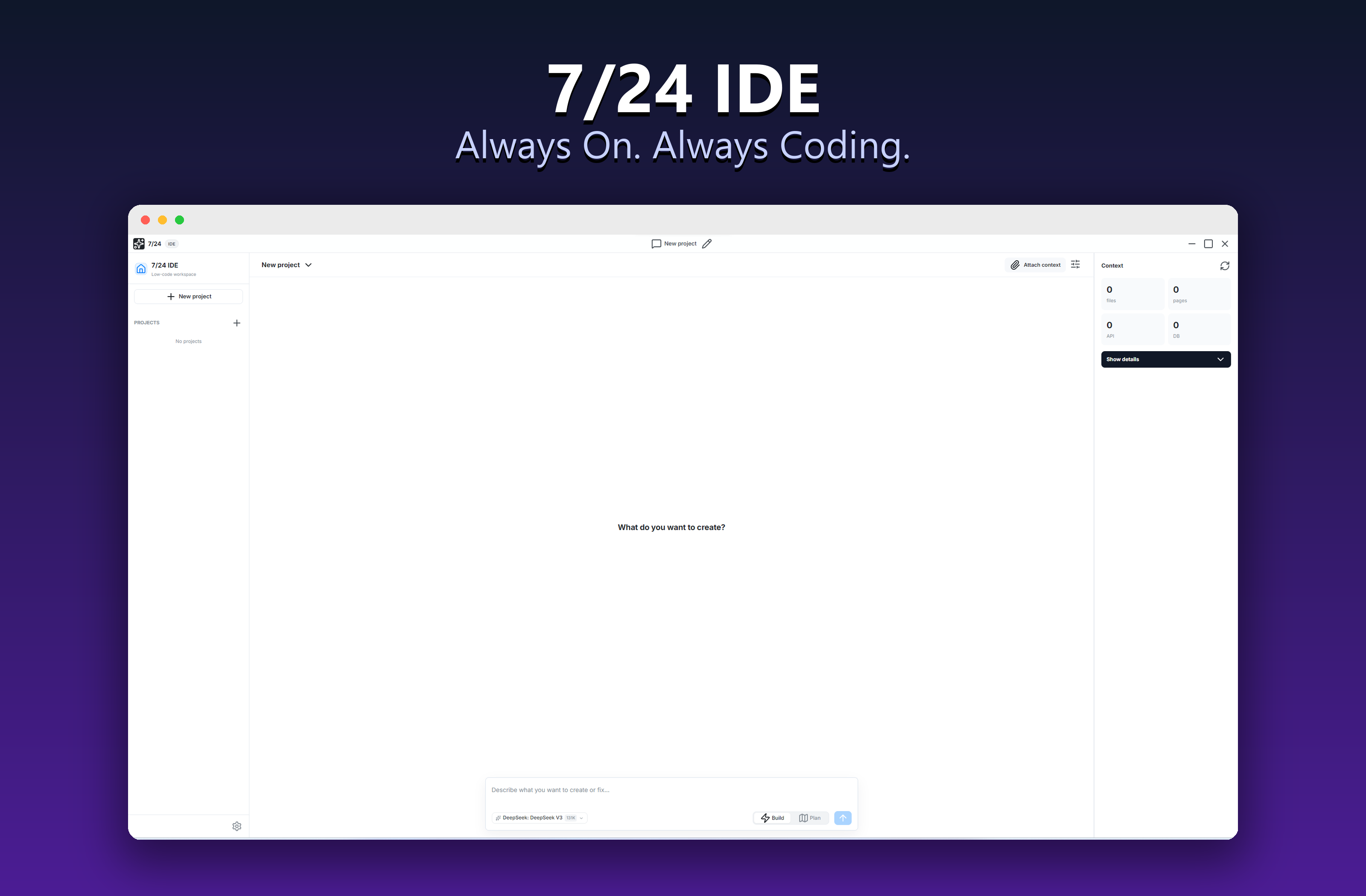
7/24 IDE is a complete, local workspace for Windows. Describe a task in chat, switch between Plan and Build modes, review the agent's reasoning and diffs, let it edit files and run commands, and watch the result in a live preview — all inside your own project folder.

7/24 IDE Workspace
7/24 IDE Screen Showcase

Engineered for Controlled Autonomy

Unlike closed cloud sandboxes, 7/24 IDE works directly in your chosen folder with visible reasoning, reviewable edits, and local command execution.

Plan & Build Modes

In Build mode the agent edits code right away. In Plan mode it drafts a step-by-step checklist, then executes each step with an isolated micro-agent in a shadow workspace — with live progress tracking.

Native Rust Engine

An optional bundled Rust core parses real Tree-sitter syntax trees (Rust, TS/JS, Python, HTML, CSS) and ranks workspace code search with BM25. Falls back gracefully to TypeScript when the binary isn't present.

xterm Terminal with Stdin

The agent runs compilers, installs libraries, answers interactive prompts via stdin, and can stop long-running commands. Output streams live both into chat and a full terminal panel.

Monaco Diff & Permissions

Review every change side-by-side in a fullscreen Monaco diff before it touches disk. Per-operation permission rules (auto / ask / deny) for reads, writes and commands keep you in control.

Auto-Checkpoints & Snapshots

A silent snapshot is taken before every agent run. Roll the entire project back to any point in one click from the Snapshots tab — your safety net for fearless iteration.

Self-Evolving Skills

After a successful build the agent reflects on the session and compiles reusable skills that auto-activate on similar future tasks — so it gets faster and more consistent over time.

Smart Model Picker

Search hundreds of OpenRouter models with FREE badges, context-window and price labels, and pin favorites. Configure a fallback model for transient provider failures.

Ollama Offline Mode

Run fully private, offline builds. Select Ollama in settings, point it at your local API, fetch local models and tune the context window (num_ctx) — no cloud required.

MCP Tool Extensions

Connect databases, search engines, web readers or formatters as standard stdio JSON-RPC MCP servers directly from settings — extending what the agent can do.

2026-Ready Reasoning Chat

Collapsible reasoning blocks, clean tool-call cards, anti-truncation auto-continue, image paste & drag-drop, conversation branching, and one-click "Run" on code blocks.

Smart Git Auto-Commits

Optionally stage and commit after each plan step with AI-generated messages. Verify or edit the message before it lands, and customize the commit prefix.

Private, Local & Localized

Projects, chats and snapshots stay on your machine. Your API key is encrypted with the OS keychain (Windows DPAPI). Full interface available in English, Russian and Chinese.
Two Ways to Work: Plan or Build

Pick the right level of autonomy for the task. Quick fix? Build mode. Whole feature from scratch? Plan mode breaks it into verifiable steps.

Build Mode — direct & fast

The agent reads your files, writes precise edits and runs commands immediately. A live activity bar shows what it's doing, which files changed, and token usage in real time. Best for fixes, refactors and incremental changes.

Plan Mode — structured & safe

The agent first proposes a step-by-step plan you can edit and approve. Each step runs in an isolated micro-agent inside a shadow workspace, merged only on success. A sticky progress bar and Tasks tab track every step, with self-healing on build errors.

Watch the AI Agent in Action

Observe this step-by-step interactive simulation of the developer agent taking a user prompt and building it into a working product.

7/24 IDE Assistant online
You: Create a beautiful weather forecast widget with city search and smooth animated charts.
Assistant: Understood! I will create a plan for the weather widget. I'll write index.html for structure, styles.css for clean styling, and script.js to fetch weather data. Starting compilation...
Execution Log:
Creating index.html
Writing styles to styles.css
Integrating weather API and charts in script.js...
Live Preview
+22°C
Partly Cloudy Humidity: 45% · Wind: 3.2 m/s
Mon
Tue
Wed
Thu
Fri

AI Autonomy Under Your Absolute Control

We believe autonomy must be safe. In 7/24 IDE, you configure the exact trust and permissions settings for the developer agent:

  • Real-Time Permission Prompts: Configure approval levels for each operation type: auto-allow, prompt for verification, or block entirely.
  • Visual Diff Reviews before writing: Inspect the exact code diff that the agent wants to write to your disk, and easily approve or reject changes line-by-line.
  • Folder-Scoped Sandbox: The agent is physically locked inside your chosen workspace folder, ensuring zero risk of modifying your system files.
Permission Request: Command Execution

The agent is requesting permission to run a terminal command:

npm install chart.js --save

Get Started in 2 Minutes

Starting your journey with an AI developer is incredibly straightforward.

1

Download & Install

Download the setup file (.exe) for Windows from GitHub and run the standard installer.

2

Select Workspace

Choose any directory on your local machine where you want the agent to build and modify files.

3

Connect a Model

Paste an OpenRouter API key for cloud models, or point to a local Ollama endpoint for fully offline work. Pick your model and start building.